
You can not select more than 25 topics
Topics must start with a letter or number, can include dashes ('-') and can be up to 35 characters long.
 HerrHase
05ace91e25
HerrHase
05ace91e25
|
10 months ago | |
|---|---|---|
| example | 10 months ago | |
| src | 10 months ago | |
| .gitignore | 4 years ago | |
| LICENSE | 4 years ago | |
| README.md | 10 months ago | |
| bun.lockb | 10 months ago | |
| package-lock.json | 10 months ago | |
| package.json | 10 months ago | |
| webpack.config.js | 10 months ago | |
README.md
Tiny Components - datepicker
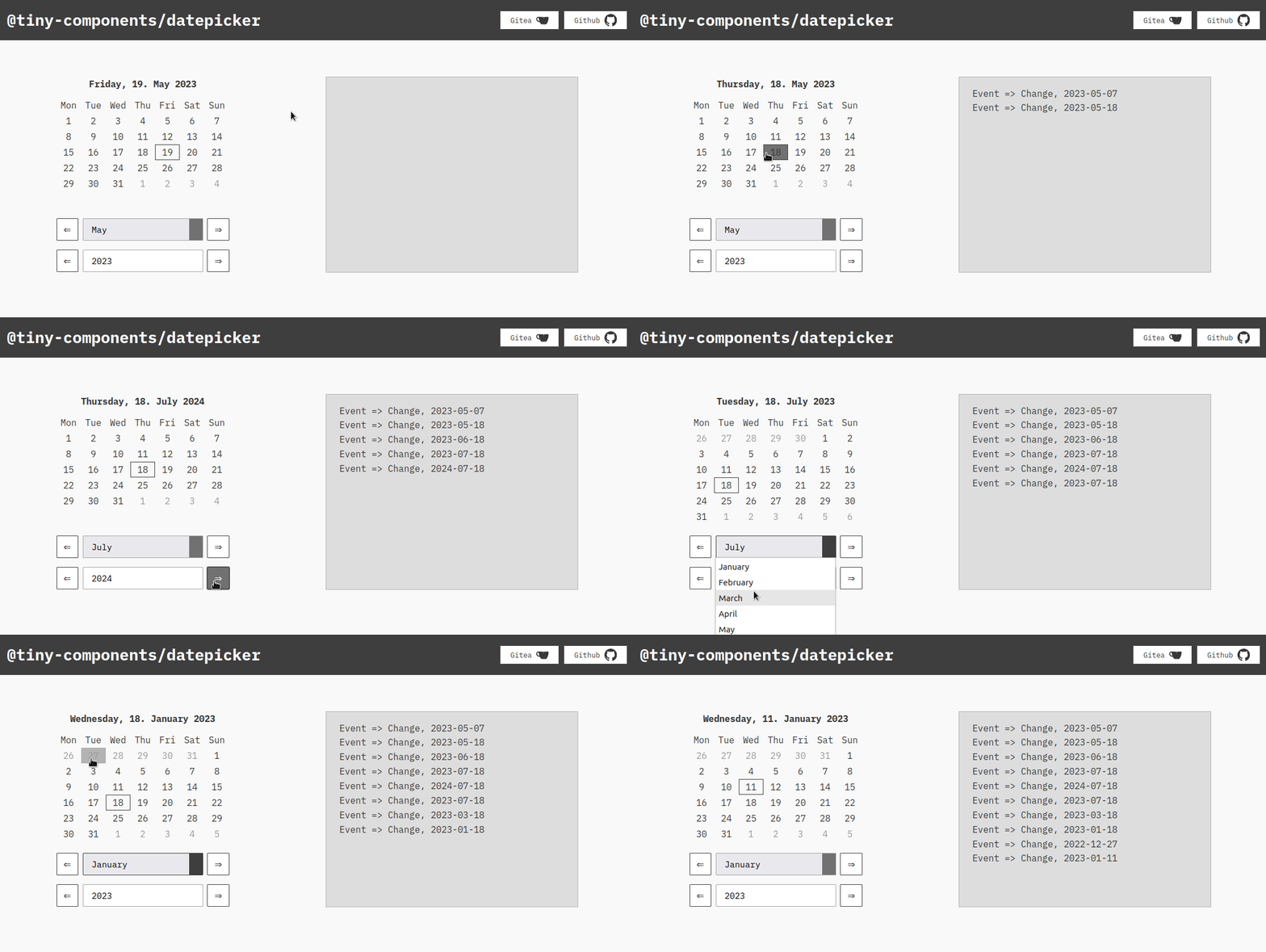
Datepicker for show Month and select a Single day.
Created with Riot.js
Using Styles for UI from Plain-UI, Date will be handle by Day.js and Events with Observable
Source: https://gitea.node001.net/tiny-components/datepicker
Mirror: https://github.com/node001-net/tiny-components-datepicker
Installation
Setup this registry in your project .npmrc file:
@tiny-components:registry=https://gitea.node001.net/api/packages/tiny-components/npm/
Install with npm or yarn
npm i --save @tiny-components/datepicker
yarn add @tiny-components/datepicker
Using
const dispatcher = observable()

riot.register('tiny-datepicker', Datepicker)
riot.mount('tiny-datepicker', {
    'dispatcher': dispatcher
})
<tiny-datepicker></tiny-datepicker>
For starting weeks on Sunday,
<tiny-datepicker iso-week="0"></tiny-datepicker>
For setting date on start,
<tiny-datepicker date="2015-12-10"></tiny-datepicker>
Events
If Date will "change",
dispatcher.on('change', (data) => {
    console.log(data.date.format('YYYY-MM-DD'))
})
Send Datepicker a new Date,
dispatcher.trigger('update', {
    date: '2012-10-20'
})
i18n
Names of Days and Months will be used from Day.js, here is a list of supported languages. Change language is only possible if you add change locale globally.
import de from 'dayjs/locale/de'
dayjs.locale('de')